Telesma
A little ritual for your phone, from dawn to night.
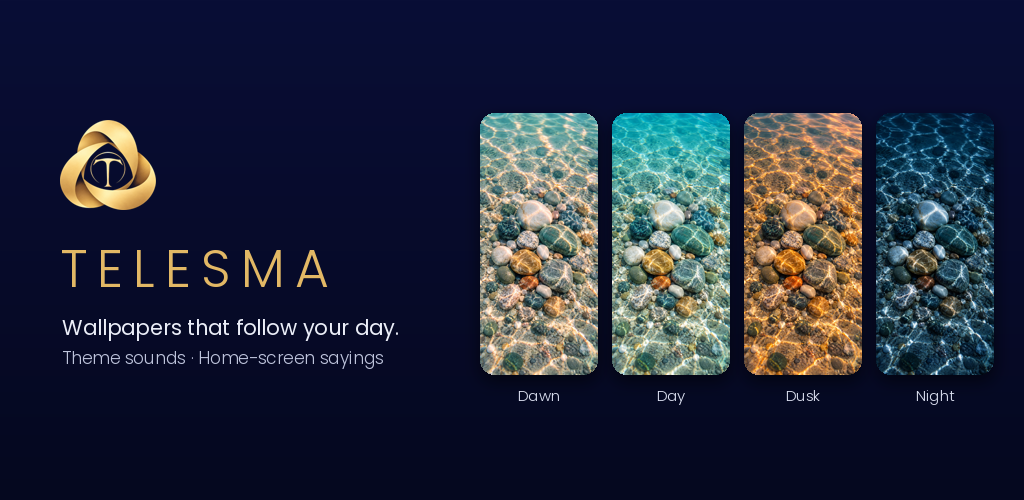
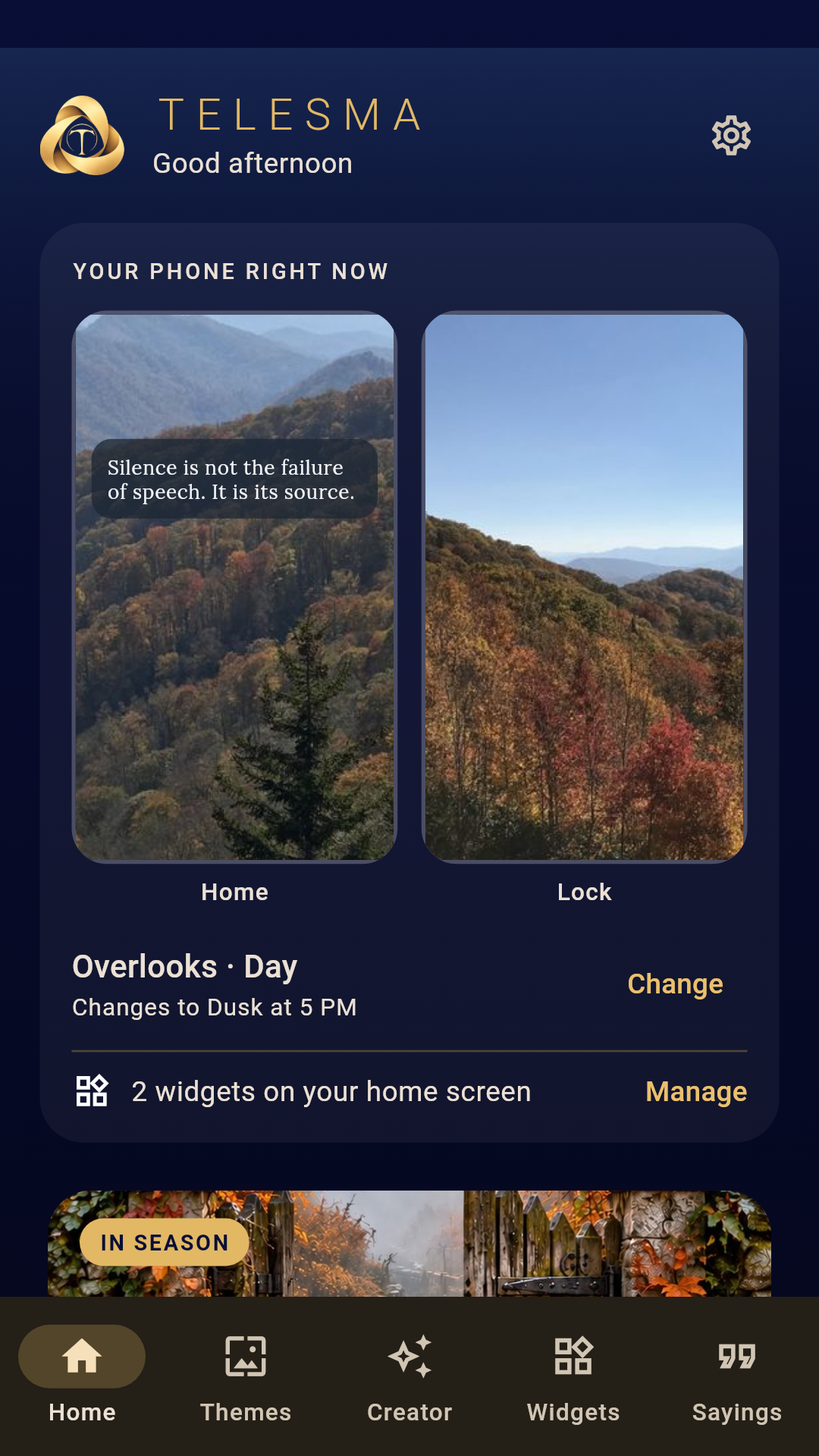
Telesma gives your phone a theme that follows the day. Each theme has four pictures for your home screen and four different ones for your lock screen, one each for dawn, day, dusk and night, and Telesma changes them on its own as the hours pass.
Every theme comes with its own sounds, too: a ringtone, a notification sound and an alarm, composed for that theme.
Features
Themes That Follow the Day
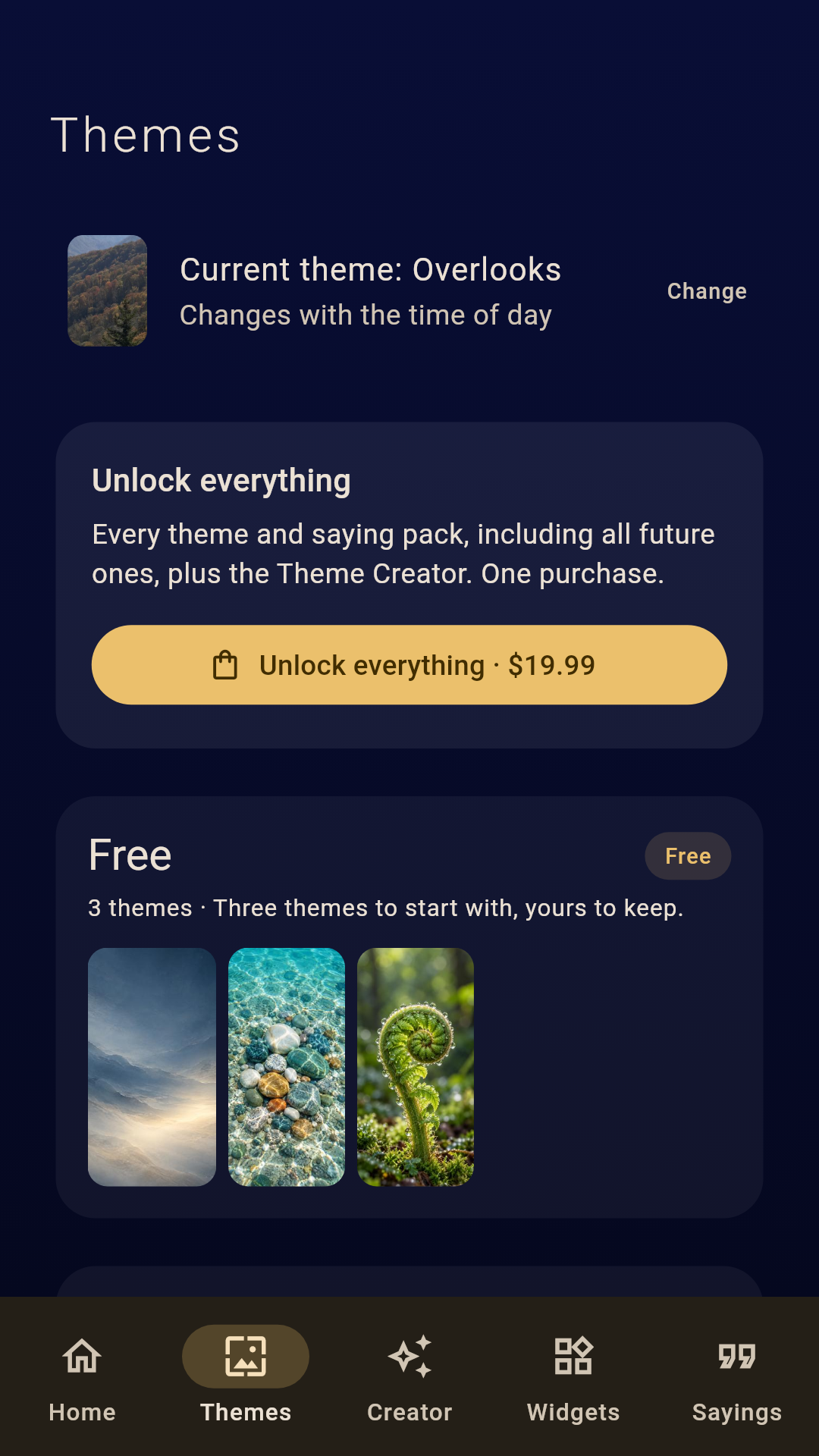
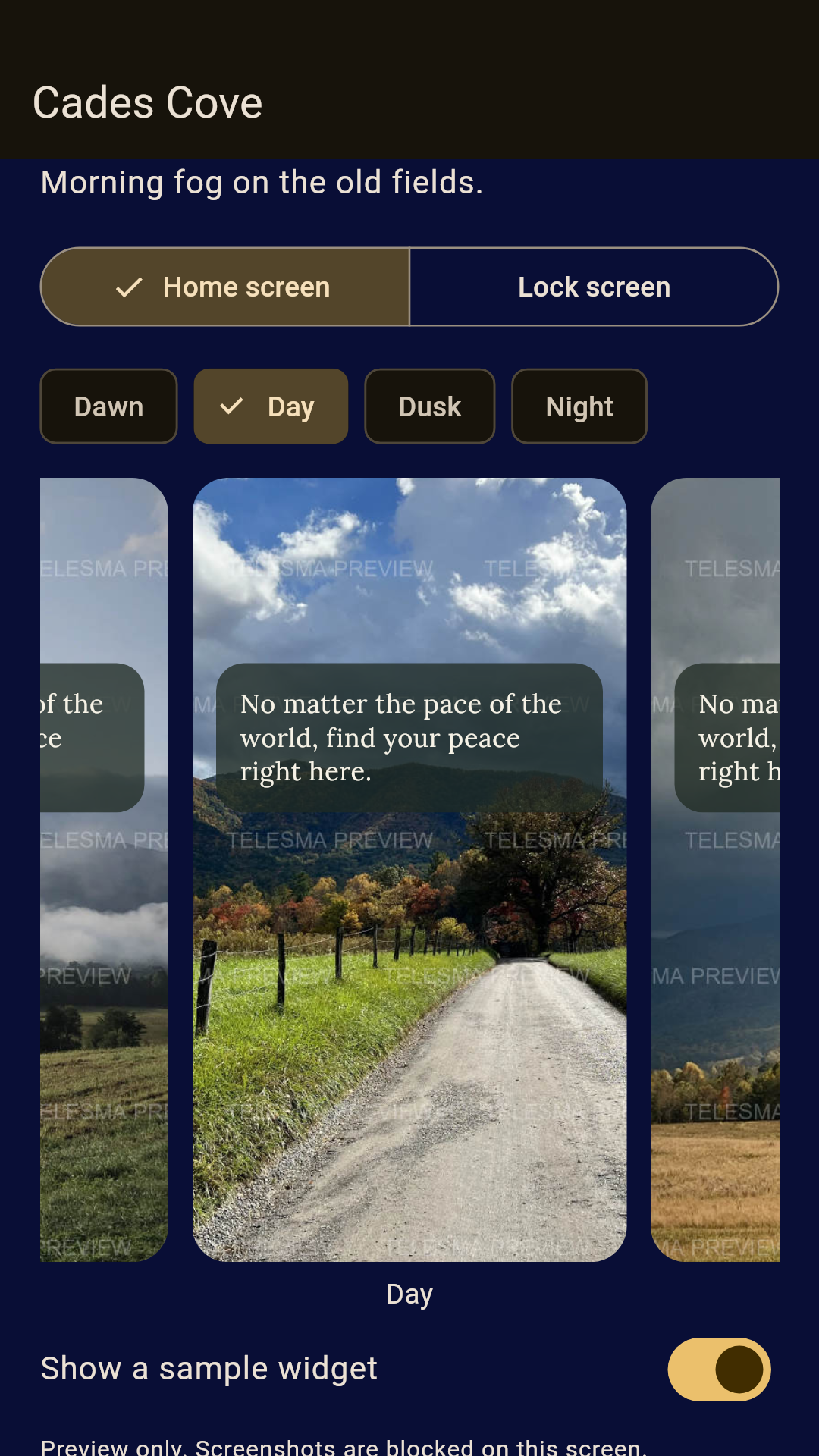
Start with three free themes: Quiet Hours, Far Shore and Fernlight. Preview every theme at every time of day before you buy, and hear its sounds.
Theme Collections
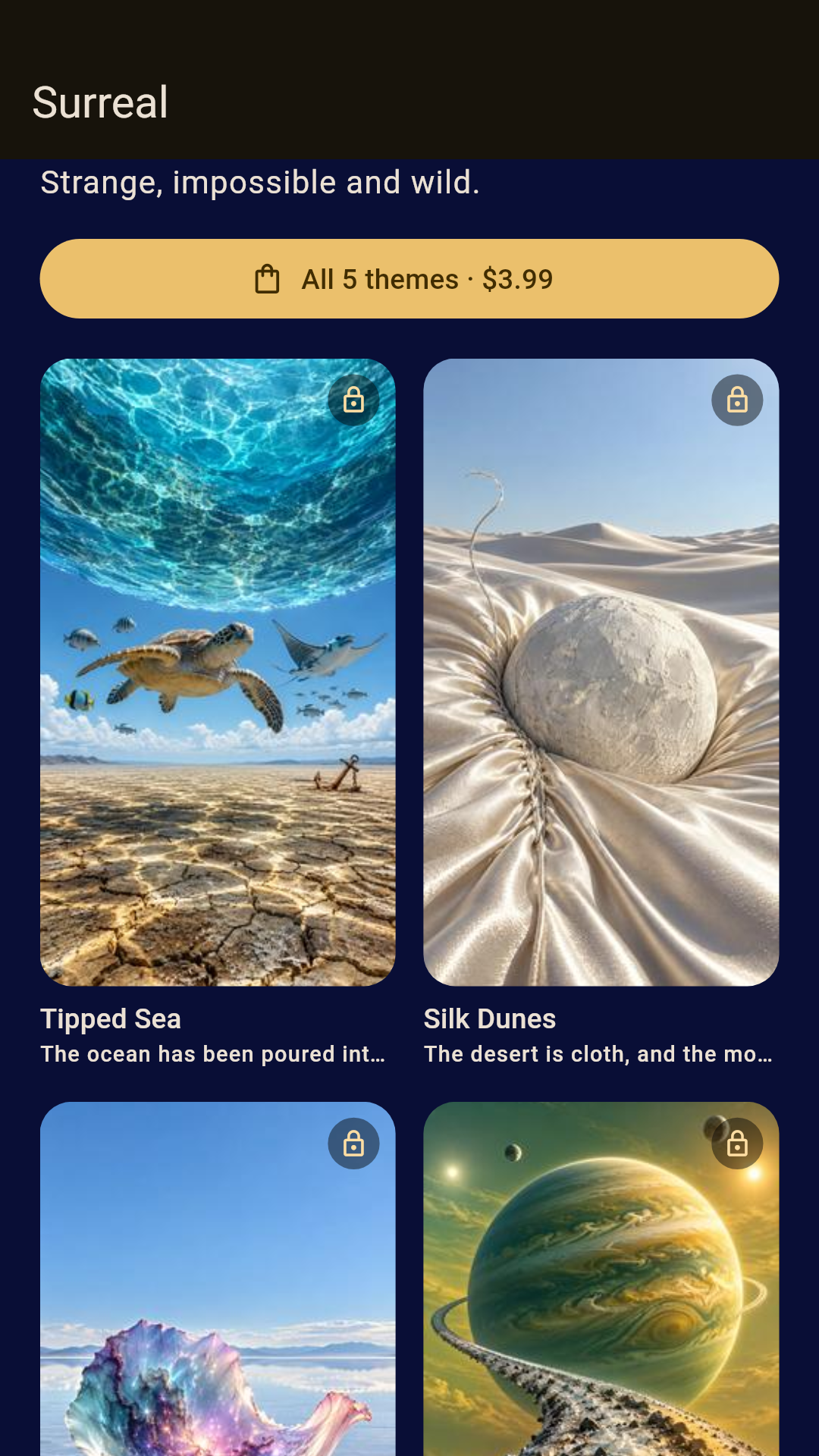
Faith, Nature, Holiday, American Holidays, Surreal, and Smoky Mountains, with real photographs from Cades Cove, the high overlooks, Roaring Fork and more. Add themes one at a time or in bundles of five.
Sounds for Every Theme
Each theme carries its own ringtone, notification sound and alarm, composed to match it.
Sayings on Your Home Screen
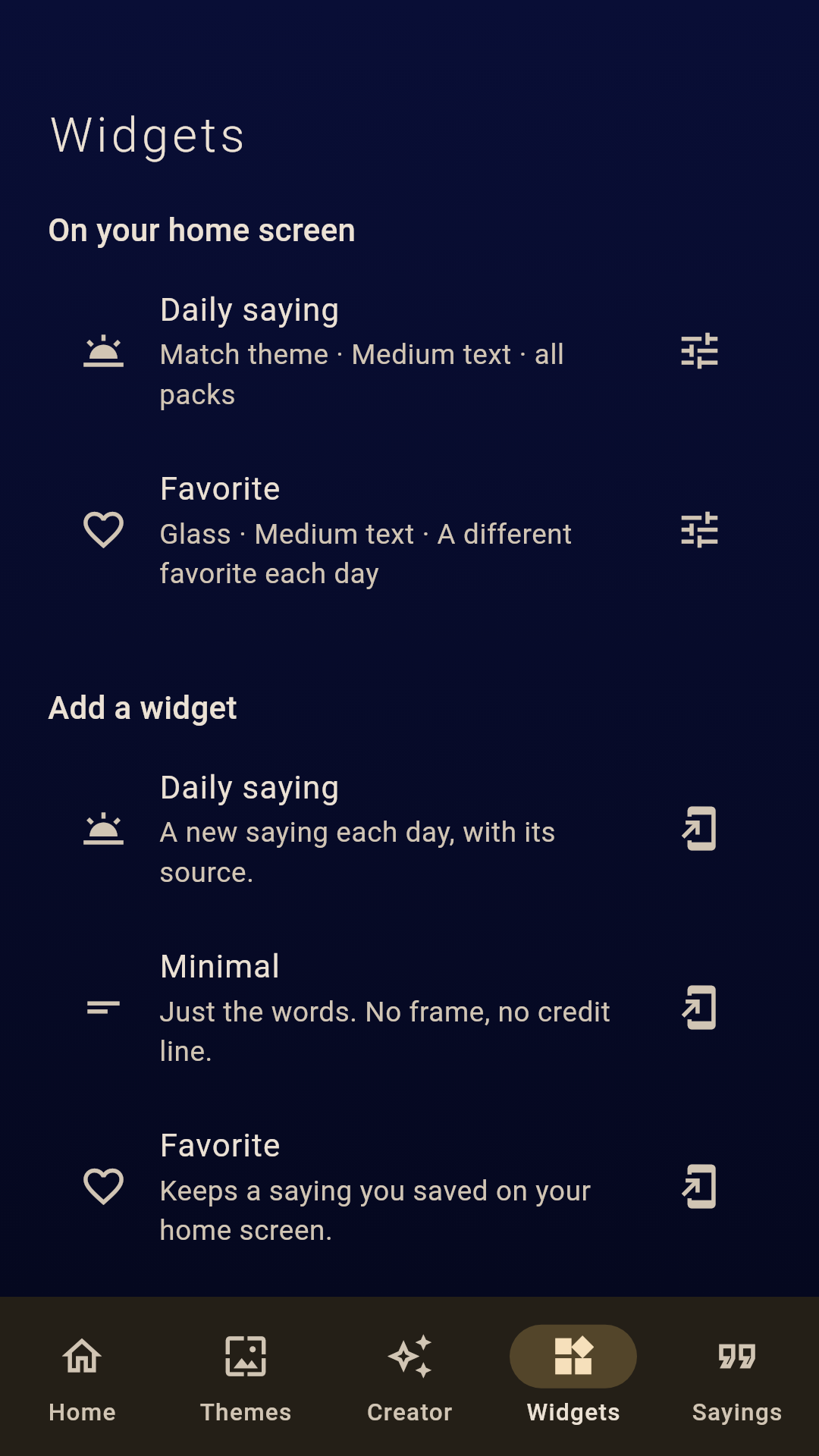
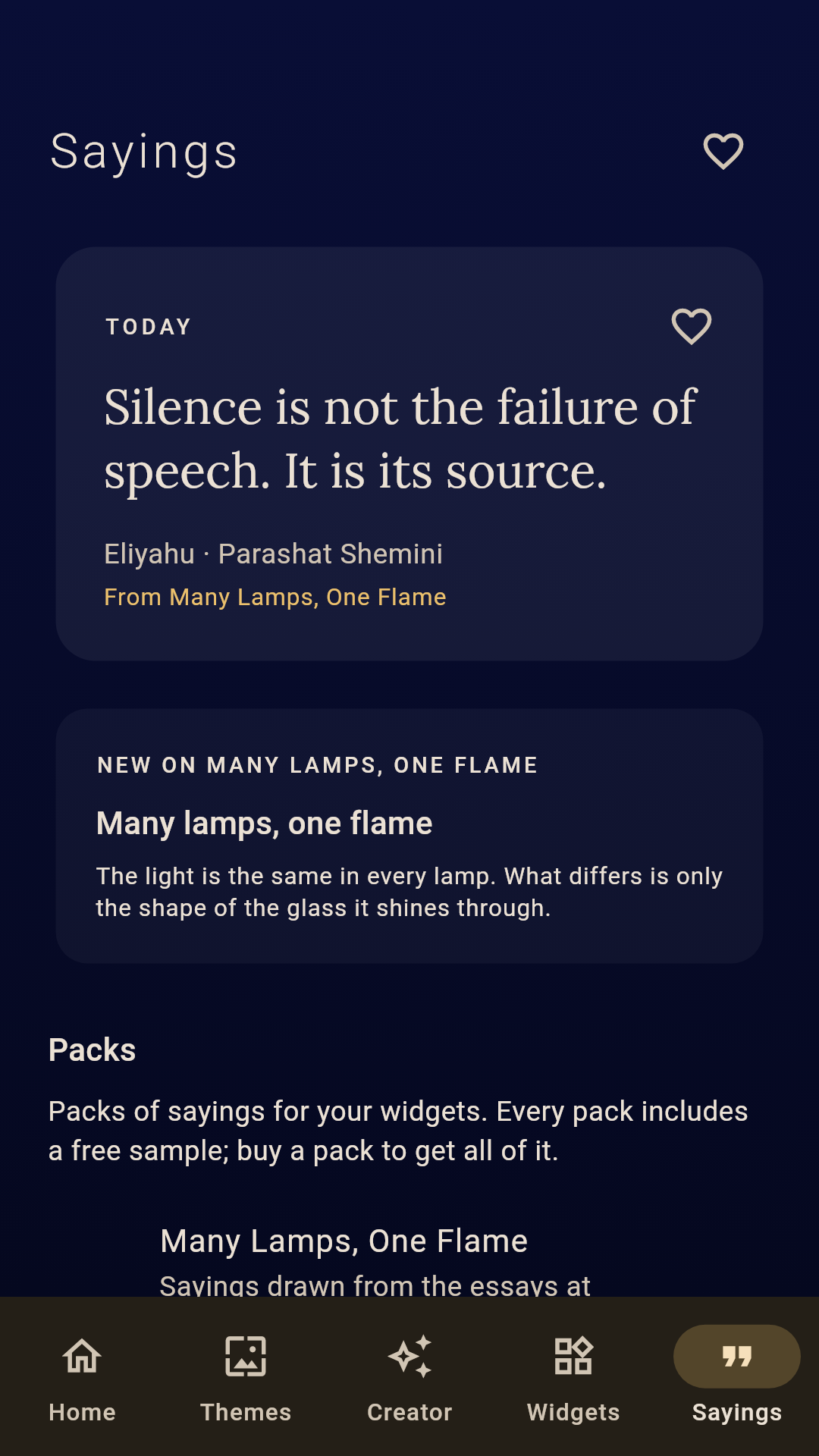
Add a Telesma widget for a new saying each day: a daily saying, a minimal one-line version, a favorites widget, or the latest essay from Many Lamps, One Flame. Choose the style and text size, or let it match your theme.
Theme Creator
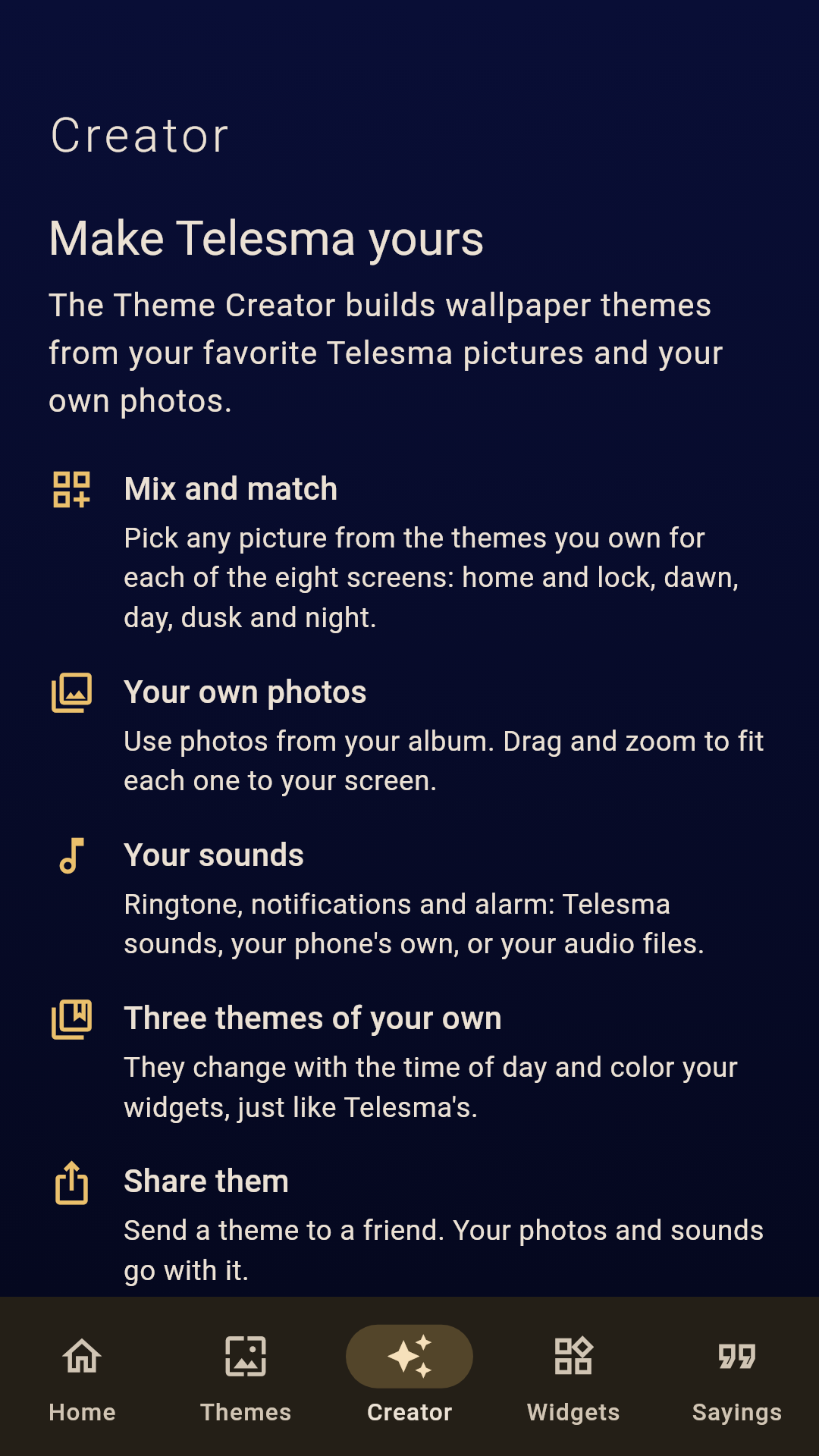
Make up to three themes of your own from pictures in the themes you own or your own photos, with your choice of sounds. Share them with friends. A one-time purchase, included with Unlock Everything.
Simple and Private
One-time purchases. No subscriptions, no ads. No account, no sign-in, no tracking. Your choices stay on your phone, and purchases come back on any phone signed in to your Google account.
Screenshots
Privacy
Telesma collects no data. There is no account, no sign-in and no tracking; your themes, widgets and favorites stay on your phone. Purchases are handled by Google Play. Read the full privacy policy.
Join the Telesma Beta
Telesma is in private beta for Android phones (Android 13 or later). Testing is by invitation: tap Request Beta Access below and fill in the short form in the email: your device, operating system and version, and the Google account you use with Google Play. Test invitations are tied to that account, so please use the one on your device.